

I have always worked with or in Cloud/Platform teams aspiring to charge back developers for the cost of the cloud resources they consume, but I have never seen it effectively implemented. And while I do not encourage a blameful FinOps team hunting down teams for deploying a first cut application that reached high customer engagement. It is nice when others are mindful to help correctly size an application, opt for scheduling their instances and checking queries/APIs before rushing ahead.
To that end I think Platforms & Developers could do more to share optimisations and improvements across teams without pushing it all to FinOps.
Even though I usually have the following conversation with teams:
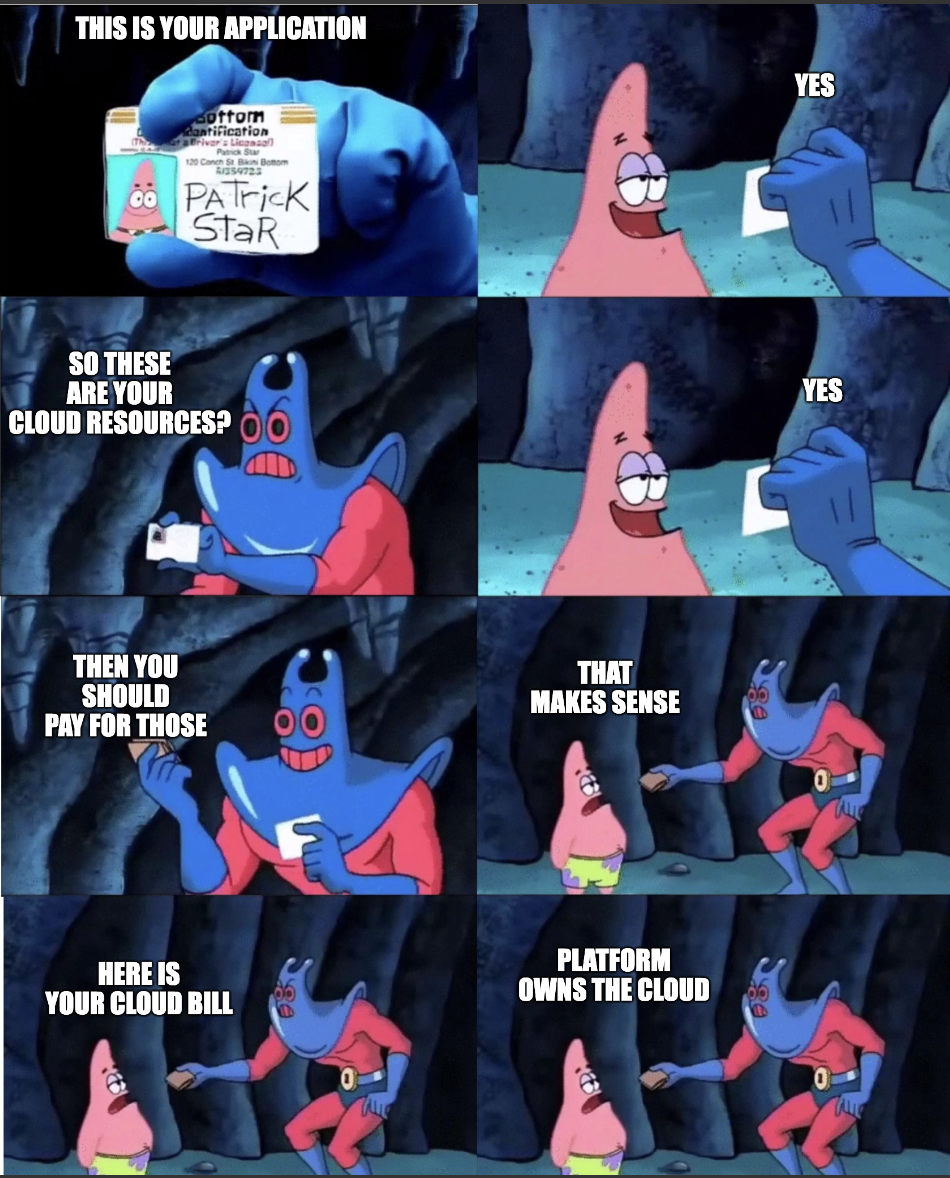
Internalising the Cloud Bill
At this stage in cloud adoption I think every Cloud Engineer has a story regarding billing, and whether the business was expecting it or not.
GCP & AWS have come a long way in cost breakdown’s, reporting and tooling to help explain the charges & use of Infrastructure during and at the end of the month even providing forecasting based on historics/patterns.
And while breaking costs down per Project/Subscription does help bring the $$$ figure closer to home for teams, it usually does not hold the whole picture.
Getting clear figures and feedback to teams on cloud spending becomes complex, quick.
Forecasting a custom Cloud Bill made internally becomes a great measure for FinOps teams / development. It’s much easier talking to reporting that tracks to internally known application/project names or teams, that can colour the report with insights / reasoning.
An example GCP Line Item - Filtered by Project
    Project: gcp-ctom-predit-np-1adn2
    Service: Bigquery
    Cost: $18,241
Becomes:
    Project: Returning Customer Sale Predictions
    Team: Sun Spotters
    Service: Bigquery - Analysis of Past Quarter's Sales
    Cost: $18,241
Partnered with good cost based alerting for unexpected spends or new projects, this will help keep the business aligned with the cost of development/implementation in our clouds of choice.
Breaking Down Shared Services
Shared services are very common in large Enterprises, and have benefits for security, standardisation and maintenance.
At first thought many teams look to implement a PAYG usage model to teams based on how much of a shared resource they utilise, but this quickly becomes a grey area as a charge back model or cost analysis strategy.
Now I am pretty sure that explaining Kubernetes concepts anywhere but a Kube focused blog is a sin if not a crime. So let’s use the below example as a fill in for a Shared Compute Cluster.
Let’s use the following example: I run an on-demand Swimming Pool, I provide:
- Towels
- Transportation
- Equipment
- Lap Timings / Monitoring
- Life Guard
Just like the cloud, my users can see how much I get charged per month for the pool.
Who pays for the Towel service (Secret Management)??
CSI Driver was deployed by Platform, so Platform?
Who pays for the transporation piece??
Service Mesh / Proxies is the responsibility of Platform, so Platform?
Who pays for the Lap Timings? - Logging / Monitoring wait
SRE said we needed it!
Shared services in the cloud function as internal products offering additional functionality beyond basic infrastructure costs, but allocating expenses solely by usage unfairly burdens platform teams with a disproportionate share.
By conducting a detailed cost analysis that includes platform overhead (such as monitoring and networking) and redistributing these expenses proportionally across applications, organizations can achieve fairer cost allocation.
Cost Allocation Example for Shared Kubernetes Clusters
Current Simple Allocation (by usage only):
Application Cost = Kubernetes.Namespace.RESERVED_CPU_COUNT * 30d
Improved Allocation (including platform overhead):
Application Cost = (GKE/EKS Base Cost + Platform Namespaces Cost) / Total Reserved CPU
                  × Application Namespace RESERVED_CPU_COUNT × 30d
Where:
GKE/EKS Base Cost: Raw infrastructure cost for the clusterPlatform Namespaces Cost: Cost of platform services (monitoring, networking, secrets, etc.)Total Reserved CPU: Sum of all namespace CPU reservationsApplication Namespace RESERVED_CPU_COUNT: CPU allocated to the specific application
This approach ensures platform costs are fairly distributed while giving teams visibility into the true cost of their applications.
Fixing the Books from the Start
There are a lot of automations / customisations that we in Platform or DevOps teams can implement to give developers and application teams the best possible starting point in cloud while also giving them good standards that meet the business’s wider environment. We already do this with pipelines, IAC, CI/CD stages, testing, etc. Doing it for cost as well contributes to the culture for cost, allowing for teams to have knowledge & estimation for their costs and how their decisions affect the bill.
Easy Wins:
- Automated Tagging to match organization standards.
- Default Cost Dashboarding to the project’s ID.
- Automated Alerts to the team and platforms for cost increases.
- Non-Production spot instances for development environments.
- Committed Usage Discounts - CUDs for common compute types.
Little more complicated:
- Set Quotas that align with the project’s Compute type and location to prevent accidental resource creation.
- Scheduled shutdown / scale down of Non-Production compute or services outside of business hours by default (8am-6pm)
- Include monthly cost estimation on Published Terraform Modules ReadMe’s.
- Include CI/CD Cost tools like InfraCost
- Note: Usually Developers are not involved too closely in their Terraform Pipelines and the costs come from Scale Up / Design decisions.
- Query the Billing Data in realtime with scopes for the Project / last Month cached.
- Infrastructure right sizing for application or compute types.
- Cheaper to run larger instances in Kubernetes if the network IO is lower or if the number of daemon sets is high.
Follow-up Topics / Improvements:
- Safe guards to Data Analytics - Bigquery
- Availability and good specifications for GPU instances in Cloud.
- Avoiding processing large Datasets / Training continuously once completed once.
- Setting up metrics that appeal to application teams
- Minimum cost to operate / handle requests before scaling up.
- Maximum cost at scale.
- Data storage for what level of metadata and data fidelity need to be retained.
- Data storage classing, Cache -> Standard -> Archive.
- Log retention and level of logging.
- Debug logs / tracing for 1 week retention.
- Audit logs retained according to industry compliance requirements.
- Choice in Compute Architecture.
- New services compiling to ARM for efficiency gains and ARM cost benefits in cloud.
- Select newer CPU Architectures for IPC and codec benefits for more intensive workloads.
The Culture of Cost
A culture of moving fast and implementation does not have to come at the literal cost of money and delaying optimisations. It is possible to move at pace with visibility / cost in mind, but following the topic of this blog it’s not a one man team operation to say that team X handles the cloud bill or the cost spent.
Creating a culture where everyone can see the costs and have the ability to be able to contribute to savings is the first step for most teams.
Afterwards it becomes a time and priority game for the business, which for most engineers we are usually quite busy handling BAU, projects and feature requirements.
FinOps Month (The Time isn’t free 😞)
Now I do recommend teams to be aware of their operating costs and to prioritise efficiencies where possible on the backlog but….
It does become beneficial to create events that can occur as part of internal development where everyone can collaborate to decrease cost or improve application performance on cloud. Any outcomes that are very translatable can be shared during the event or as part of a showcase.
Suggestions
- Donate the savings off next month’s bill to charity
- Donate the savings to team events.
- Create funny awards around costs:
- The Biggest Penny Pincher - Saving the smallest amount continuously.
- Climate Changer - Reduced the largest number of cloud resources.
- Tag Champion - Tagged anything out-dated / not maintained.